
Lighting for Live Streaming
The fastest way to upgrade your stream isn’t a new camera—it’s better lighting. The right light setup makes your face look clearer, your background cleaner, and your video more “professional” even at 1080p. Below are our best lighting picks for every budget, plus simple setup tips so you can dial in a great look in minutes.
Start with one key light. This is your main light source, and it should sit slightly above eye level, about 45° off to one side of your face. That angle gives you shape without harsh shadows. If your light is too direct, your skin can look shiny and your shadows get sharp—so prioritize soft, diffused light (a larger light source or anything with diffusion in front of it). When your key light is doing most of the work, your camera can lower ISO, which usually means less noise and a cleaner picture.
Next, decide if you need a second light. A small fill light on the opposite side reduces shadows and gives a more “TV studio” look. If you don’t want to buy a second light right away, you can often fake fill by bouncing the key light off a white wall or using a simple reflector. Finally, if your background looks flat or dark, add a back/edge light behind you (off to one side) to separate you from the background and make the shot feel more premium.
A few quick wins: keep your lighting consistent (don’t mix random warm lamps with daylight LEDs), aim the light at your face—not your monitor, and don’t place the key light too low (under-lighting looks spooky fast). If you wear glasses, raise the light a little higher and angle it down to reduce reflections.
Whether you choose a key light, LED panels, a ring light, or softboxes, the goal is the same: soft, even light on your face and a background that doesn’t distract. Pick a setup, use the placement tips above, and your stream will look noticeably better in minutes.
Quick Picks
Top lighting choices to brighten your setup instantly.
Not sure which to pick?
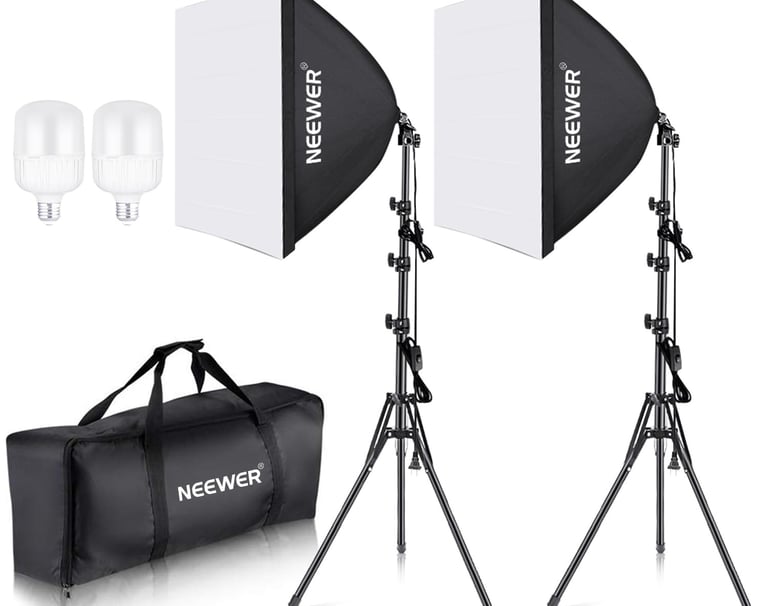
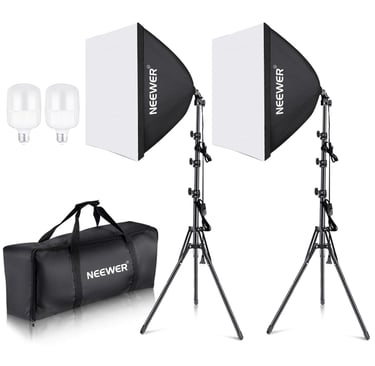
Softboxes give you the smoothest, most forgiving light—perfect if you want a “studio” look that flatters skin on camera.
Most Flattering Softbox Look
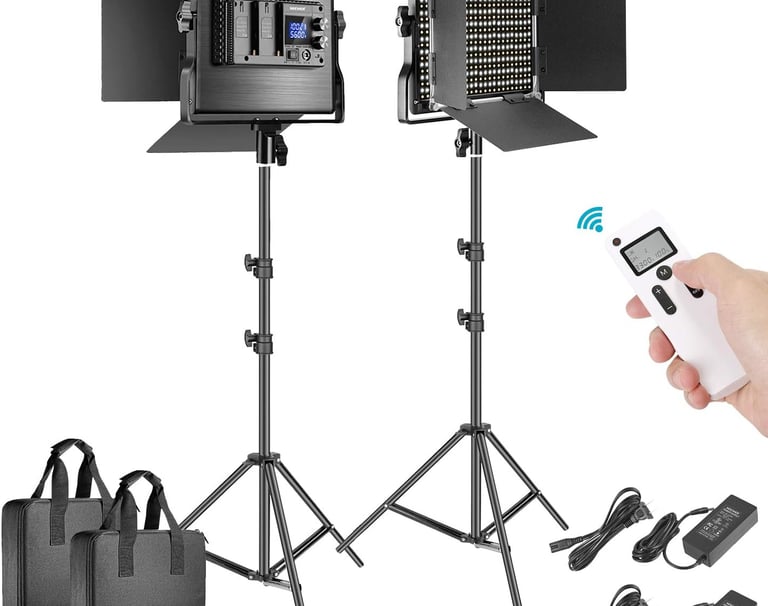
NEEWER 660 2-Light Kit is the best bang-for-buck upgrade: two bright panels so you can key + fill and kill shadows.
Best Value 2-Light Kit
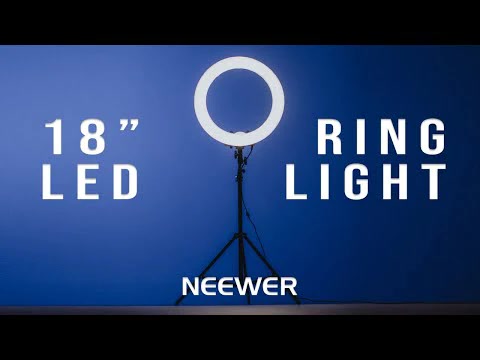
Best Ring Light (Easy Mode)
A ring light is the quickest setup: flattering front light, simple controls, and great for desk streams and talking-head content.
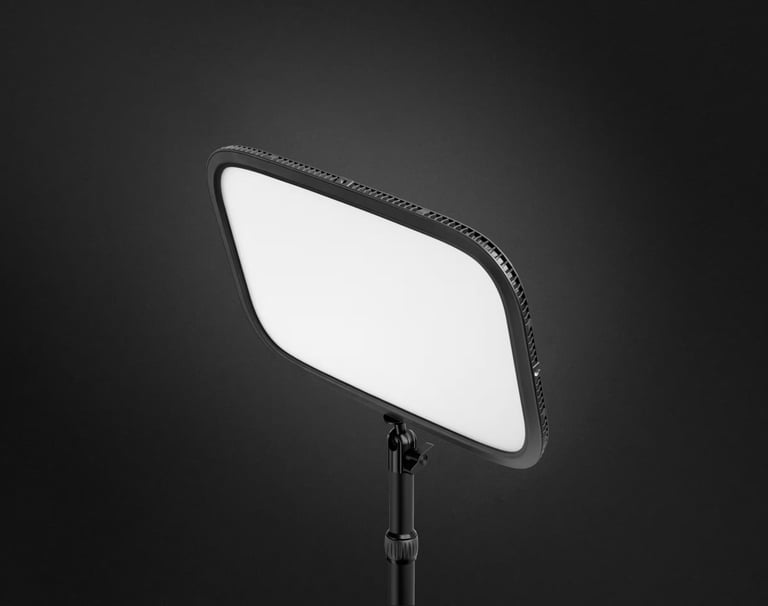
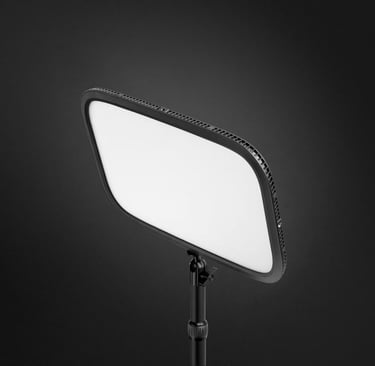
Elgato Key Light gives you the cleanest “pro” look fast—soft, even light that makes your camera instantly look better.
Best Overall Key Light
Start with a key light first—then add a second light (fill) if you want an even more polished look.
Contact
Questions or gear tips? Reach out anytime.
Phone
Joe@gearforgoinglive.com
As an Amazon Associate, Gear For Going Live earns from qualifying purchases. Some links on this site are affiliate links — we may earn a commission at no extra cost to you. © 2025 Gear For Going Live. All rights reserved.